Choosing the Right Cover Image for Your Profile
Guidelines for choosing a cover image that builds trust and helps travelers connect with your team.
On this page (7 sections)
Your cover image is the first thing travelers see when they land on your profile. Before they read a word about your company, they see this photo — and it shapes how they feel about booking with you. A strong cover image builds trust quickly; a weak one makes travelers click away.
What to Upload
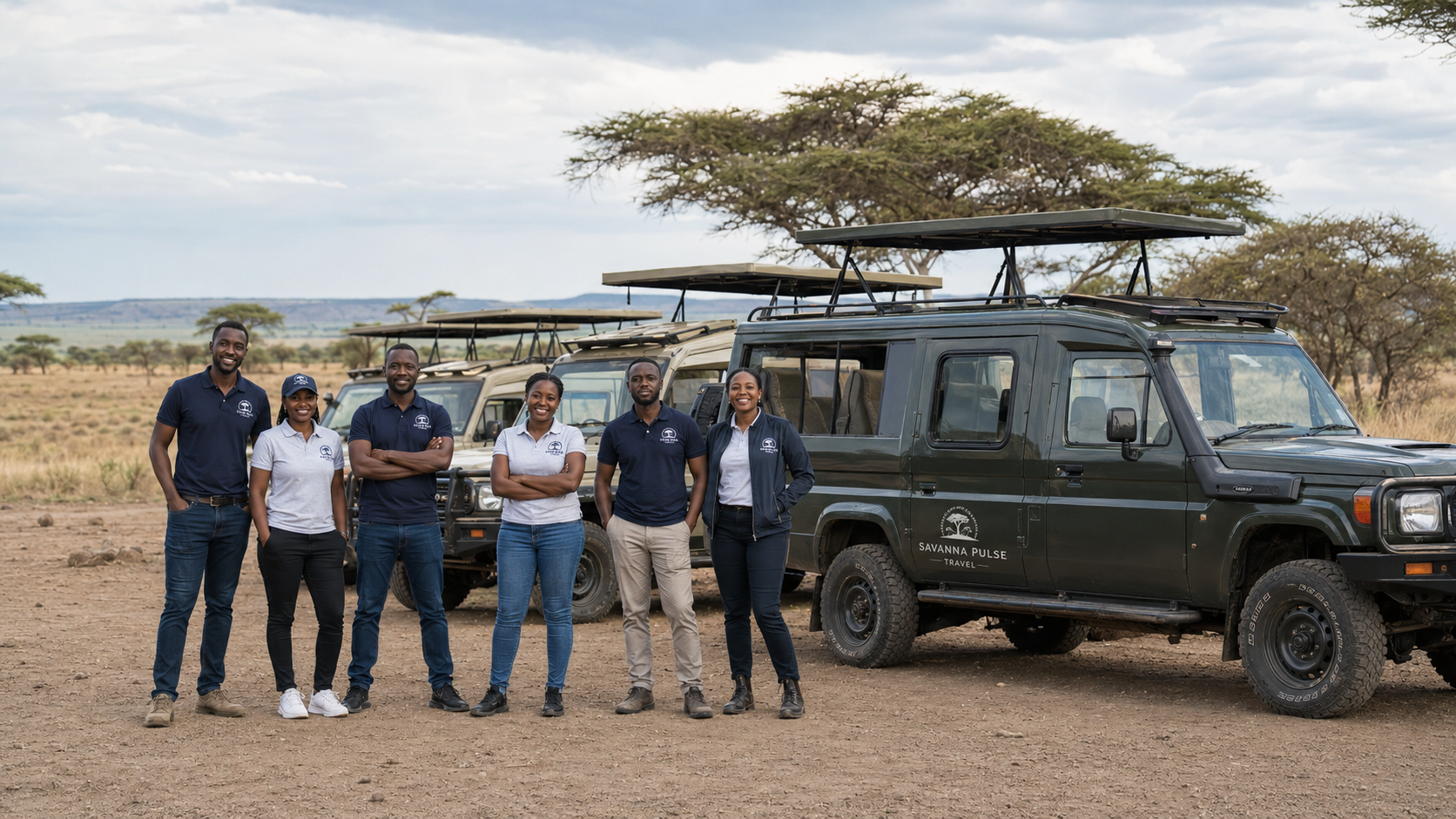
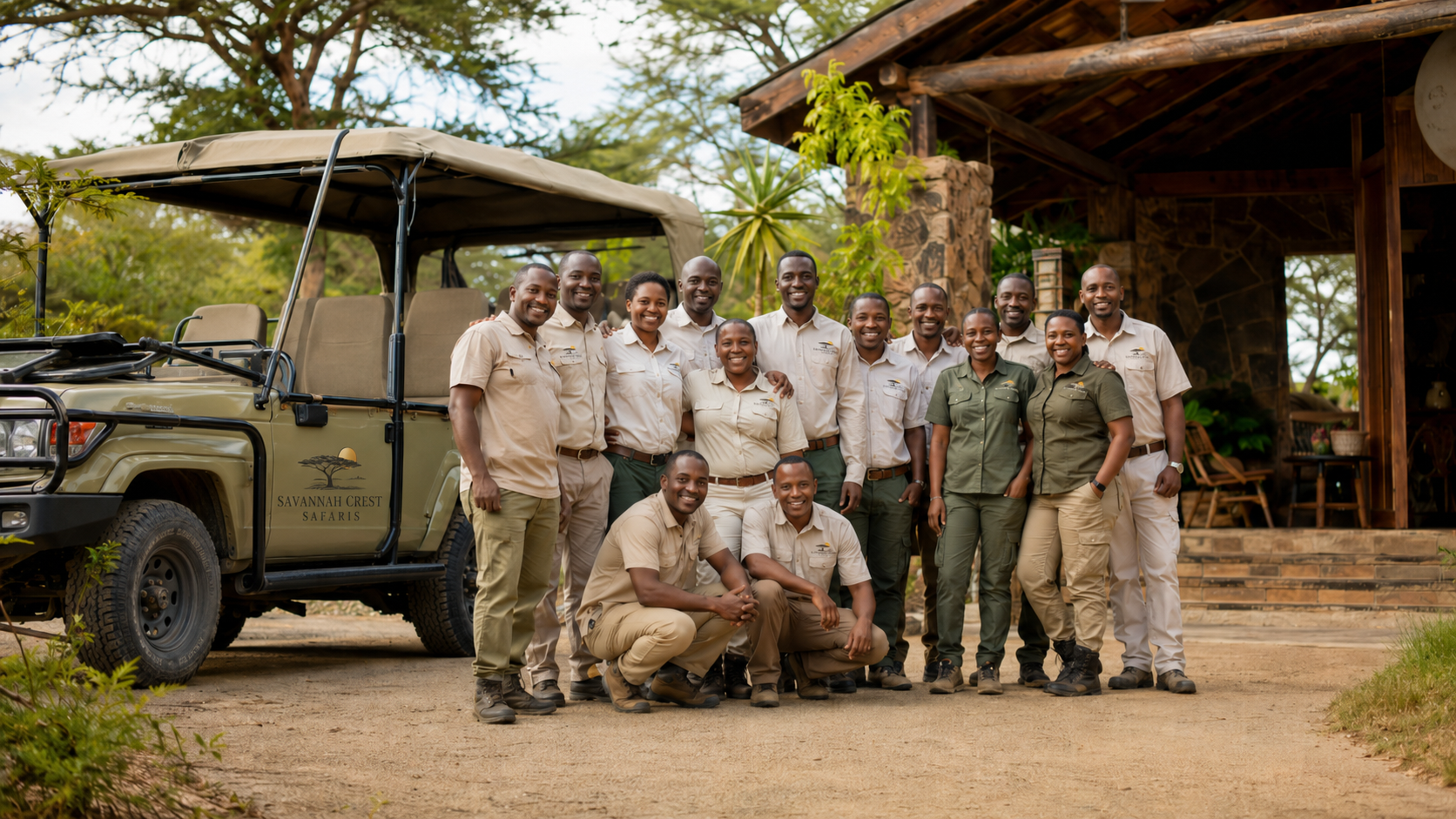
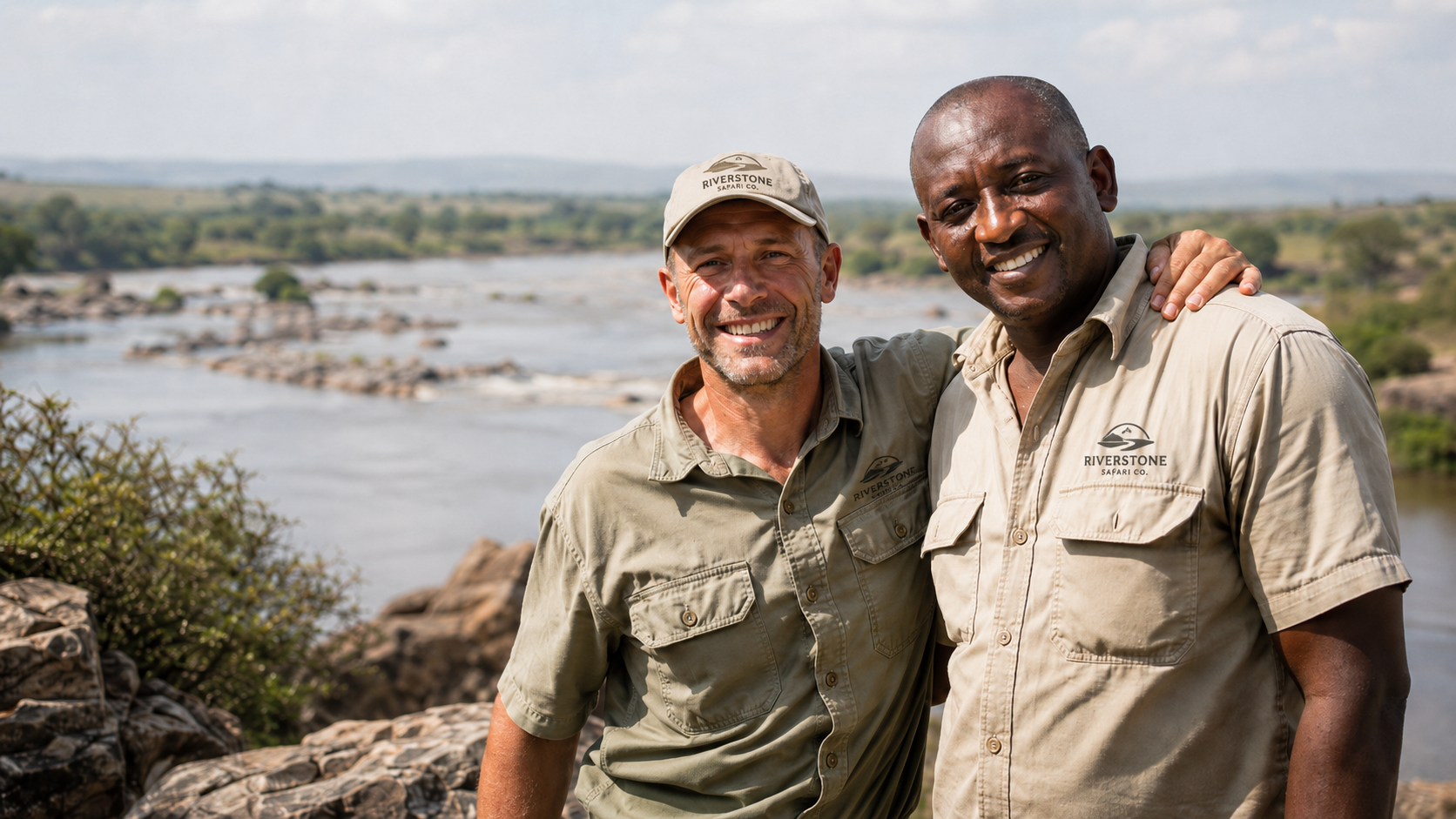
The strongest cover images show your team — ideally taken on location. Travelers can find wildlife photos anywhere, but what they're really choosing on Explola is who they'll be traveling with. A photo of real people and real vehicles answers that question directly.
Your cover image should not feature guests alone. If guests are included, at least one member of your team should also be clearly visible.
Examples of Strong Cover Images
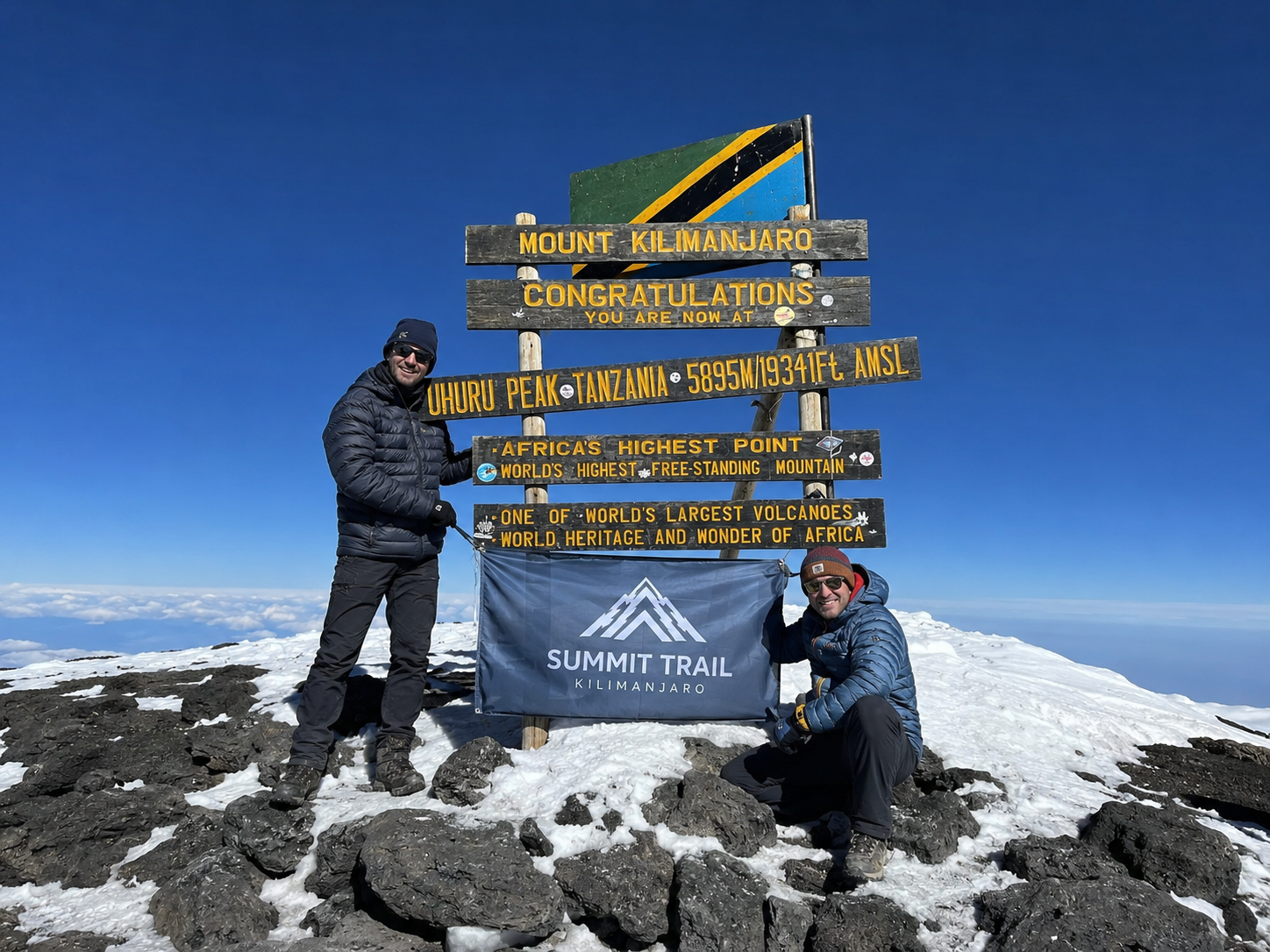
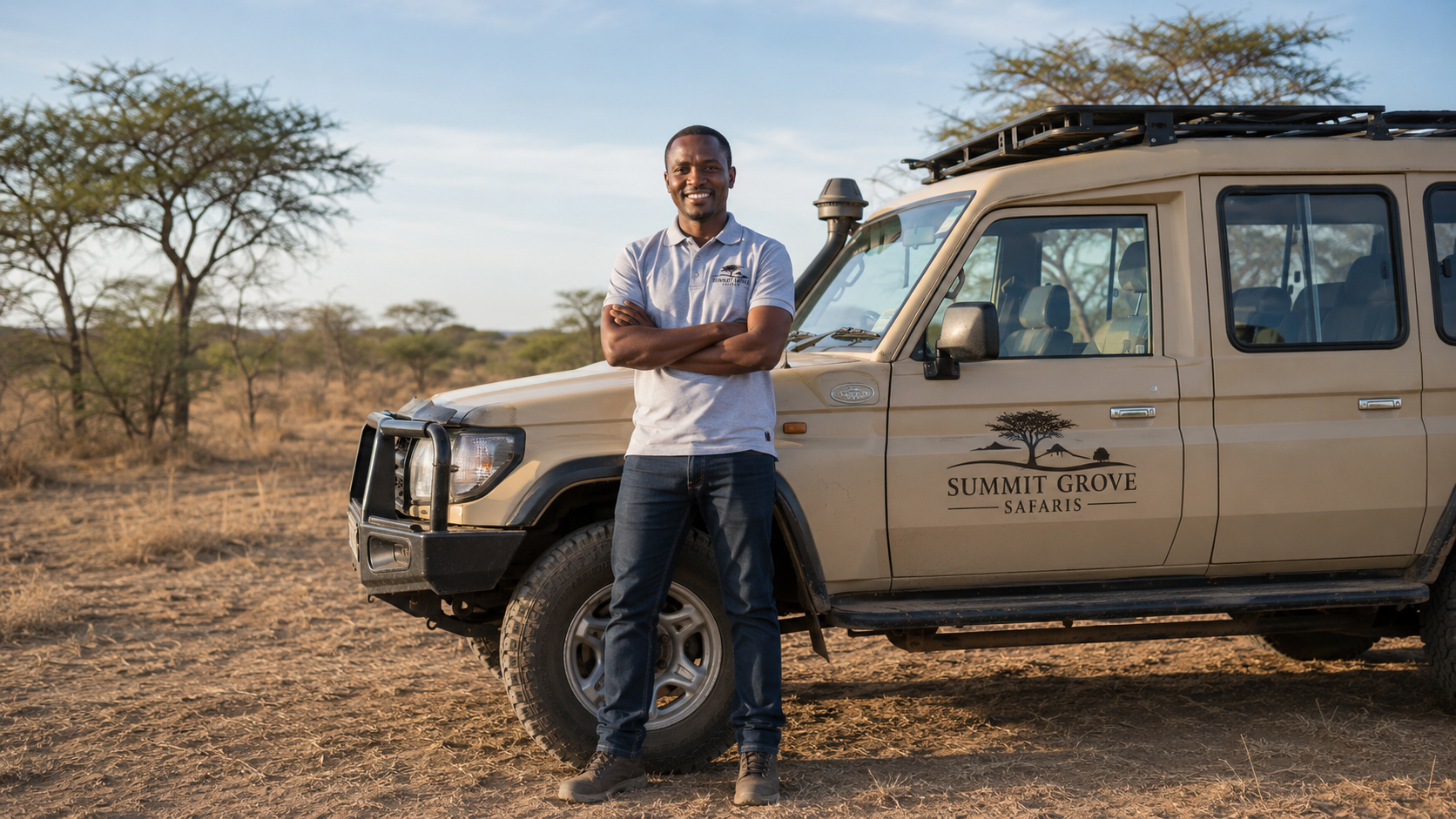
The examples below are AI-generated for illustration purposes only — Explola does not accept generative images. Your own photos don't need to look studio-perfect; a sharp phone shot on location works just as well.
|
|
|
|
|
Quick Checklist
Landscape orientation –– not portrait or vertical
Your team and/or vehicles in frame, on location if possible
High resolution — at least 1920px wide
Good lighting — natural daylight works best
Sharp focus — not blurry or out of focus
Common Mistakes to Avoid
Wildlife-only photos. Elephants, lions, and giraffes belong in your tour gallery, not on the cover. Travelers see these everywhere and they don't help you stand out.
Portrait or vertical photos. The cover is a wide banner. Vertical photos get cropped awkwardly or stretched.
Selfies or close-up portraits. A single face filling the frame doesn't convey what your business does.
Low resolution or blurry images. Anything pixelated or out of focus looks unprofessional.
Stock photos or generic images. Travelers can tell. Authentic photos build more trust than polished stock.
How to Upload Your Cover Image
Go to Company Profile in your operator dashboard sidebar
Click the cover image area at the top of the profile
Select your photo from your computer (JPG or PNG format)
Submit your profile changes for review
What Happens After You Upload
Cover images go through a quick review process to make sure they meet our guidelines. Most are approved within 1 business day. If yours doesn't meet the criteria, you'll receive a notice with specific feedback and you can upload a new one at any time.
Tips for Taking a Great Cover Photo
Take photos during a real trip rather than staging something separately. Authenticity comes through.
Have your team wear matching shirts or jackets — it looks more professional and reinforces your brand.
Position your team somewhere that says something about your operation — in front of your vehicles, at your lodge, at base camp, or at a recognizable landmark. The location adds context a studio backdrop never could.
Shoot in the morning or late afternoon for warmer, more flattering light.
Use a phone camera held horizontally if you don't have professional equipment — modern phones are more than good enough.
Was this article helpful?